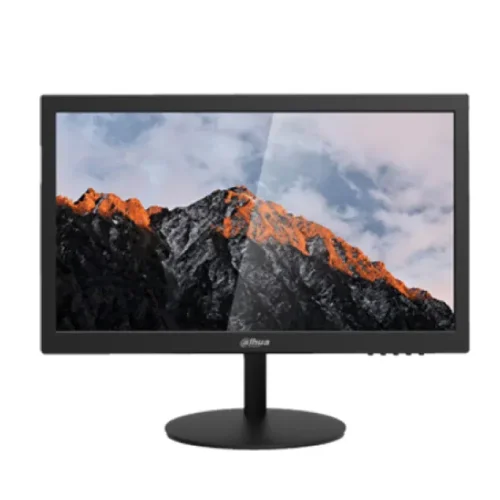
Dahua
Dahua DHI-LM19-A202Y 18.5" HD Monitor
LED Backlit Display · 18.5" · 60 Hz
৳8,600৳9,460Save 9%
In stock
We're finishing our supply arrangements. Prices and stock here are live — ordering reopens shortly.
Model: RD280UAItem #: benq-rd280ua-4k-plus-type-c-programming-monitor
৳82,500
Out of stockverified
Ordering is paused
We're finishing our supply arrangements. Prices and stock here are live — ordering reopens shortly.
Delivery
Sold by Micro
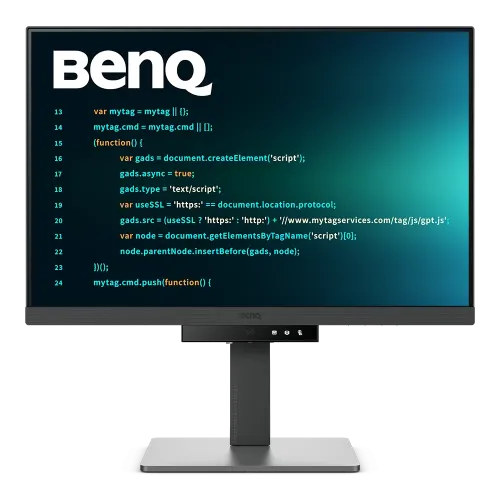
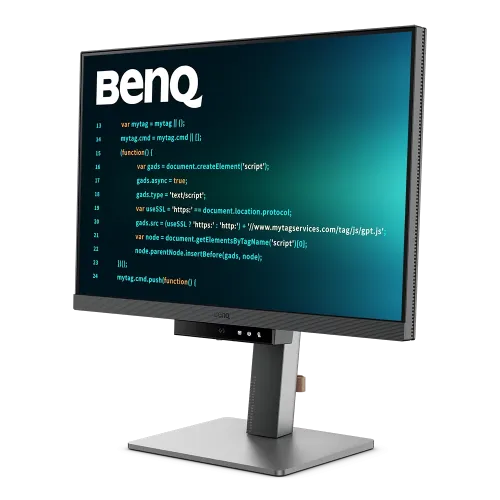
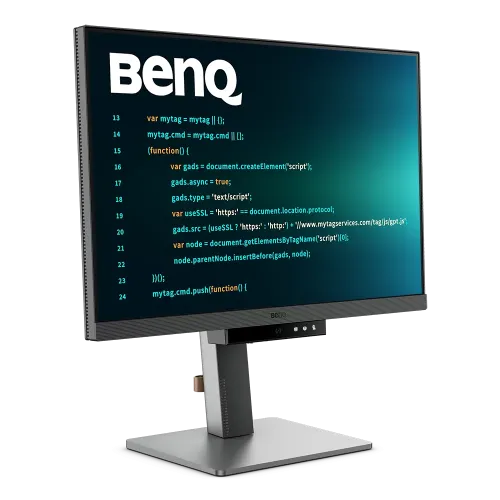
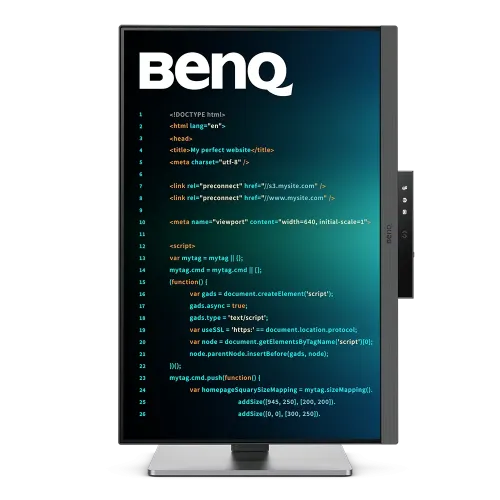
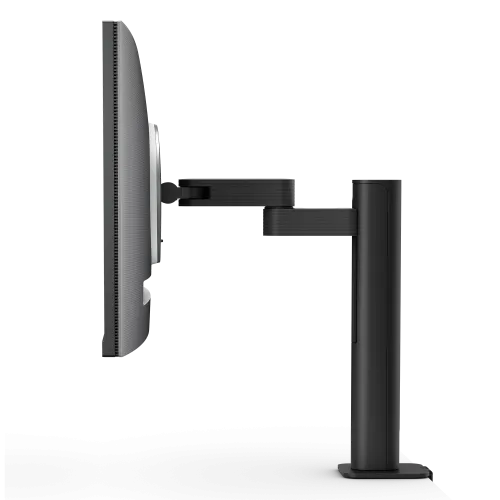
The BenQ RD280UA 28" 4K+ IPS 60Hz Type-C Programming Monitor provides a powerful viewing experience with a 28.2-inch IPS screen and LED backlight, giving a resolution of 3840x2560 and a brightness of 350 nits (peak 400 nits with HDR10 and VESA DisplayHDR 400). This BenQ RD280UA 28" Programming Monitor has a 3:2 aspect ratio and a 95% P3 color gamut, resulting in vibrant, realistic colors ideal for programming, design, and multimedia work. The RD280UA 28" BenQ Programming Monitor boasts a refresh rate of 60Hz, a reaction time of 5ms, and a native contrast ratio of 1200:1. The nano-matte coating minimizes glare, and the 164 PPI provides sharp text and tiny details. The BenQ RD280UA Type-C Monitor has Flicker-Free technology, Low Blue Light Plus, and Brightness Intelligence Gen2. The display is extremely flexible, with tilt, swivel, pivot, and height adjustments, and it has a variety of connecting choices, including HDMI, DisplayPort, USB-C, and several USB 3.2 ports. Power delivery is via USB-C (90W), making the BenQ RD280UA 28" Monitor a flexible and comfortable choice for professionals.
BenQ's Nano Matte Panel and advanced coding modes are intended to improve the coding experience for professionals who work long hours in front of their displays. The Nano Matte Panel uses innovative nano-technology to decrease glare and reflections while retaining outstanding color accuracy and clarity, making it perfect for bright surroundings and reducing eye strain during long work periods. This technology provides a more pleasant viewing experience by reducing visual distractions and displaying consistent, brilliant colors. With sophisticated coding modes, the BenQ RD280UA 28" display offers configurable settings that increase code readability. These settings change the contrast and color temperature, emphasize crucial code parts for easy separation, and reduce blue light emissions to prevent eye strain. Additional advantages include flicker-free technology.
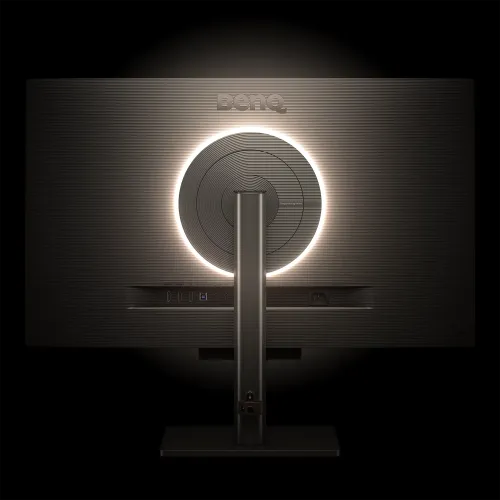
The BenQ RD280UA Monitor's Backlight MoonHalo seems like a terrific lighting solution for creating the ideal mood. It appears to provide a great deal of adaptability for both utilitarian and relaxing use, with configurable color temperature, brightness, and light modes. The flexibility to customize these settings to your requirements may improve any room, whether you're using it for gaming, business, or simply creating a comfortable atmosphere.
The BenQ RD280UA 28" Monitor's Coding HotKey and Function Bar are intended to increase productivity by offering quick and easy access to coding tools and environments. Users may rapidly immerse themselves in their coding process by pressing the Coding HotKey, whether it's to launch the editor, switch languages, or access commonly used snippets. The accompanying Function Bar provides quick access to key functionality including debugging tools, code formatting, testing procedures, and version control integration. This simple configuration enables developers to stay focused on their work by reducing distractions and simplifying daily coding processes for optimum performance.
| This itemBenQ RD280UA 28" 4K+ IPS 60Hz Type-C Programming Monitor | 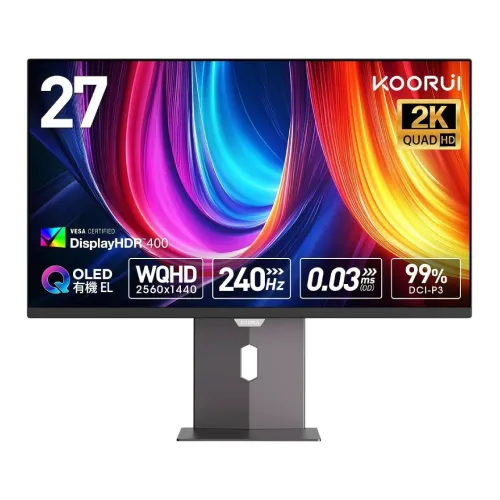 KooruiKOORUI S2721XO 27" 2K QHD 240Hz QD-OLED Gaming Monitor KooruiKOORUI S2721XO 27" 2K QHD 240Hz QD-OLED Gaming Monitor | 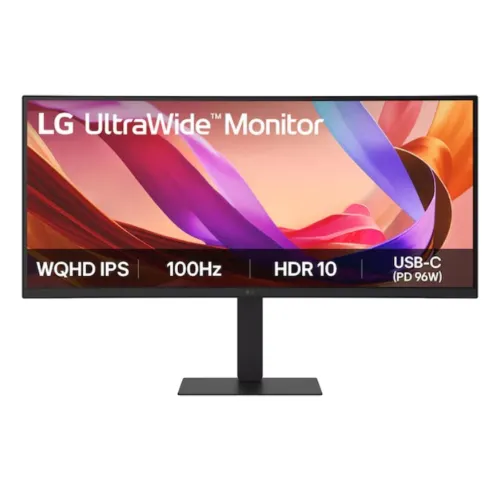 LGLG 34U650A-B 34" 100Hz UltraWide WQHD IPS Curved Monitor LGLG 34U650A-B 34" 100Hz UltraWide WQHD IPS Curved Monitor | 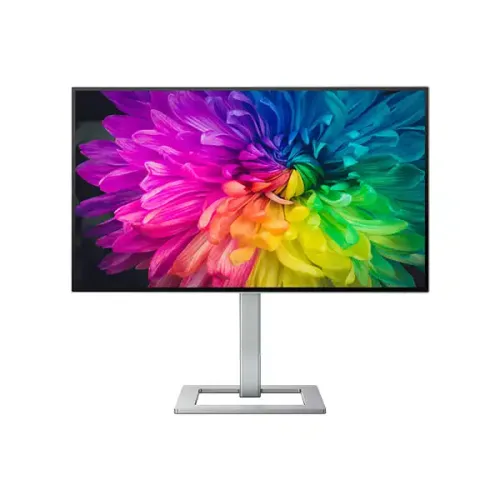 PHILIPSPhilips Creator Series 27E2F7901 27" 4K UHD Professional Monitor PHILIPSPhilips Creator Series 27E2F7901 27" 4K UHD Professional Monitor | |
|---|---|---|---|---|
| Price | ৳82,500 | ৳82,000 | ৳82,000 | ৳82,000 |
| Availability | Out of stock | In stock | In stock | In stock |
| Brand | BenQ | Koorui | LG | PHILIPS |
| Panel | LED backlight | QD-OLED | IPS | W-LED |
| Screen size | 28.2" | 27" | 34" | 27" |
| Refresh rate | 60 Hz | 240 Hz | 100 Hz | 60 Hz |
| Resolution | 4K+ (3840x2560) | 2K QHD (2560×1440) | WQHD (3440 x 1440) | 3840 x 2160 |
| Warranty | 3 Year Warranty | 03 years warranty | 03 Years | 3 Years |
Covered by the manufacturer's official Bangladesh warranty where one applies. The warranty term for this product, when the source lists one, appears in the specifications above.
Report a dead-on-arrival unit within 3 days of delivery and we replace it.
Return an unopened, unused product in its original packaging within 3 days of delivery. Delivery charges are not refundable.
Dahua
LED Backlit Display · 18.5" · 60 Hz
৳8,600৳9,460Save 9%
In stock
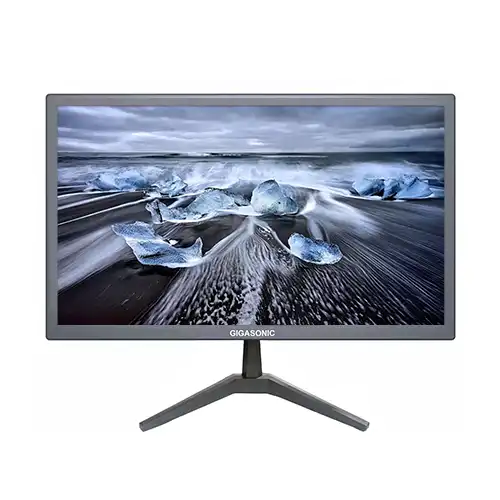
Gigasonic
LED · 20" · 60 Hz
৳5,200৳6,100Save 15%
In stock
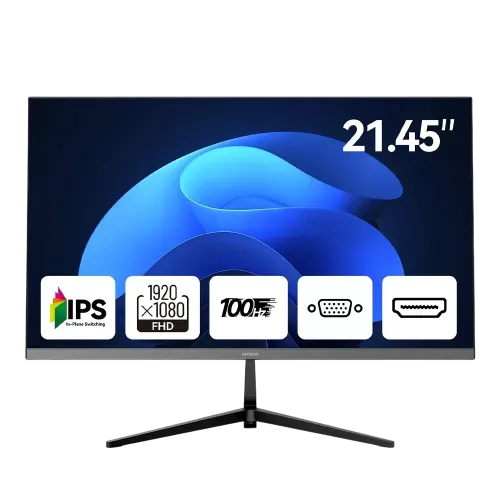
AIWA
LED · 21.45" · 100 Hz
৳9,000৳9,500Save 5%
In stock
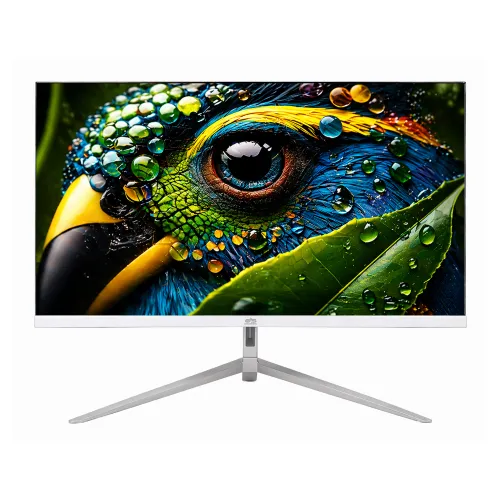
Gigasonic
LED · 21.5" · 100 Hz
৳8,200
Out of stock
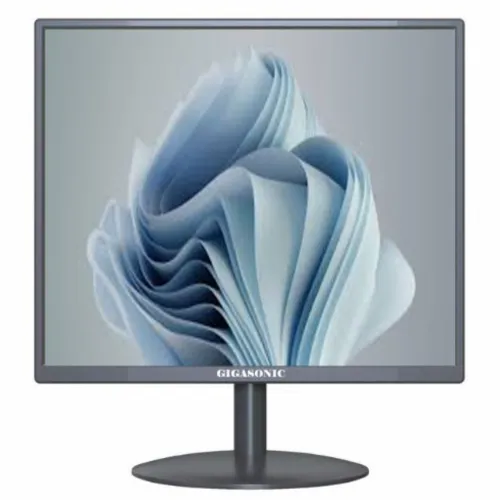
Gigasonic
LED · 17" · 60 Hz
৳4,300৳5,200Save 17%
In stock
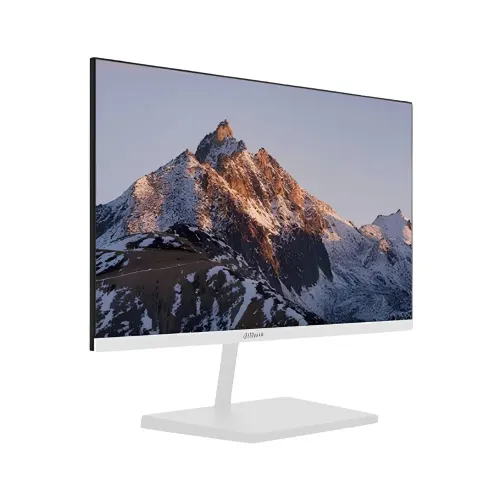
Dahua
LED Backlit Display · 21.5" · 100 Hz
৳9,200৳9,500Save 3%
In stock
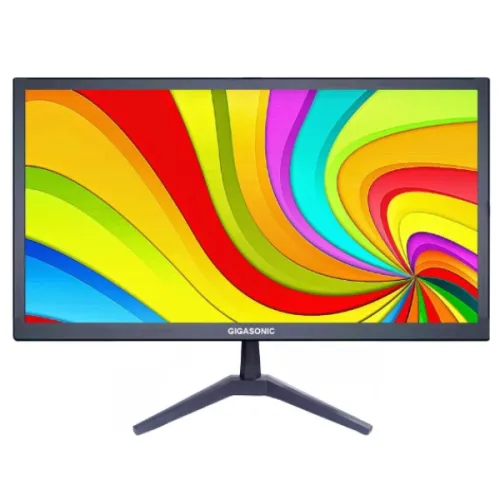
Gigasonic
LED · 18.5" · 60 Hz
৳5,000৳5,900Save 15%
In stock
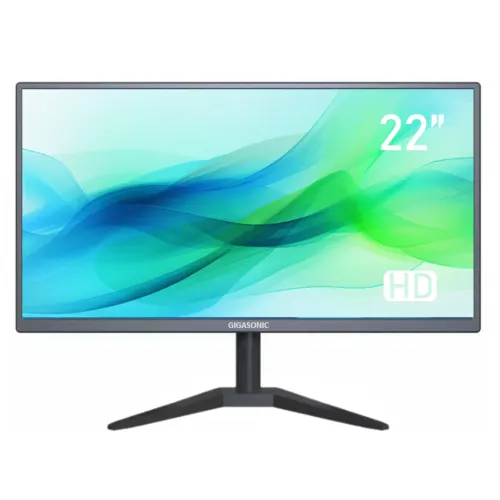
Gigasonic
LED · 21.5" · 60 Hz
৳6,400৳6,700Save 4%
In stock