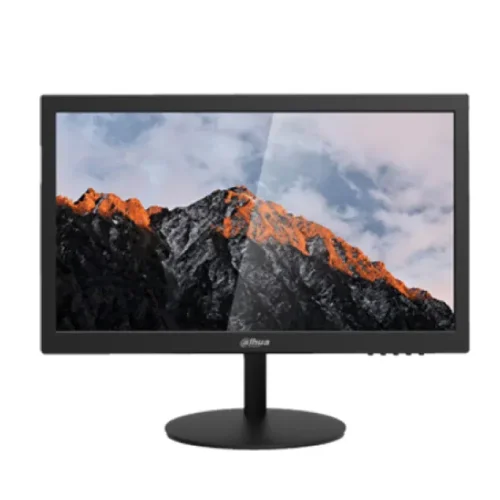
Dahua
Dahua DHI-LM19-A202Y 18.5" HD Monitor
LED Backlit Display · 18.5" · 60 Hz
৳8,600৳9,460Save 9%
In stock
We're finishing our supply arrangements. Prices and stock here are live — ordering reopens shortly.
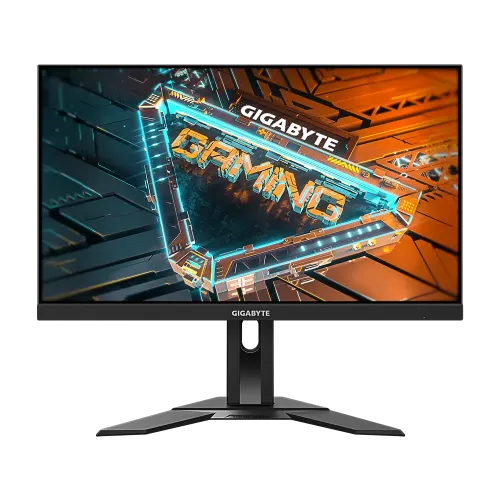
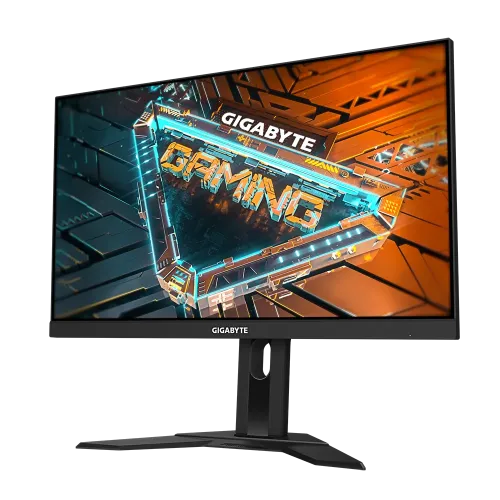
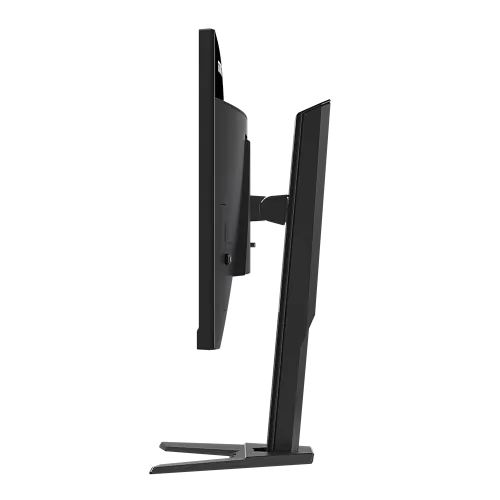
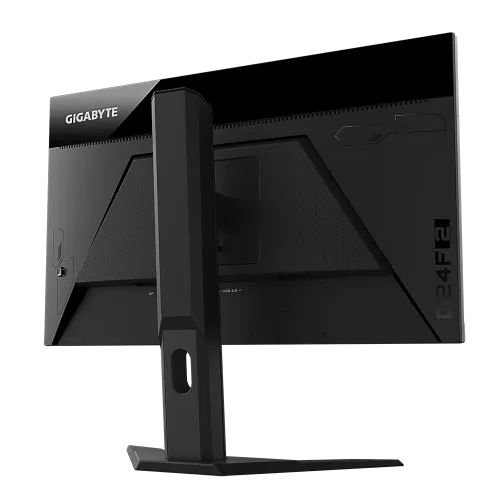
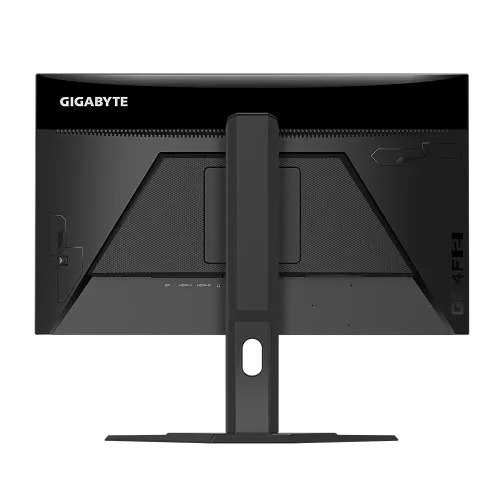
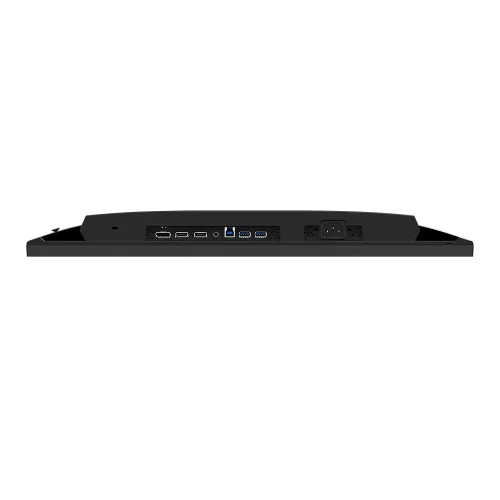
Model: G24F 2Item #: gigabyte-g24f-2-gaming-monitor
৳24,500
Out of stockverified
Ordering is paused
We're finishing our supply arrangements. Prices and stock here are live — ordering reopens shortly.
Delivery
Sold by Micro
GIGABYTE G24F 2 Gaming Monitor has a 23.8" In-Plane Switching (IPS) panel with a resolution of 1920 x 1080. With a 1 ms MPRT response time and 165 and 180 Hz standard and overclocked refresh rates, respectively, this monitor gives your favorite games a fluid-like experience that is supported by AMD's FreeSync Premium adaptive-sync technology. GIGABYTE G24F 2 comes with a contrast ratio of 1100:1, 95% DCI-P3 and 125 sRGB gamut coverage, and support for 16.7 million colors, you can ensure color fidelity whether you are watching explosions from the enemy lines or trying to color-coordinate the paintwork on your virtual car. Utilize a brightness level of 300 nits to create a vivid picture that causes visual effects to radiate. A variety of video and utility ports are included with the GIGABYTE G24F 2. Both PCs and consoles can use the single DisplayPort and dual HDMI video connections, which both provide high-quality graphics and fluid framerates. Private gaming and streaming media listening are supported by a single 3.5mm headphone jack. For a tidy and organized desktop configuration, you can plug in your mouse and keyboard using the two USB 3.2 Gen 1 Type-A ports. With the help of OSD Sidekick, you may change display settings using your mouse and keyboard. Aim Stabilization Sync and the on-screen crosshair will help you aim better. You can keep track of game-related events and cooldowns by using counter and timer tools.
| This itemGIGABYTE G24F 2 23.8" 180Hz Full HD IPS Gaming Monitor | 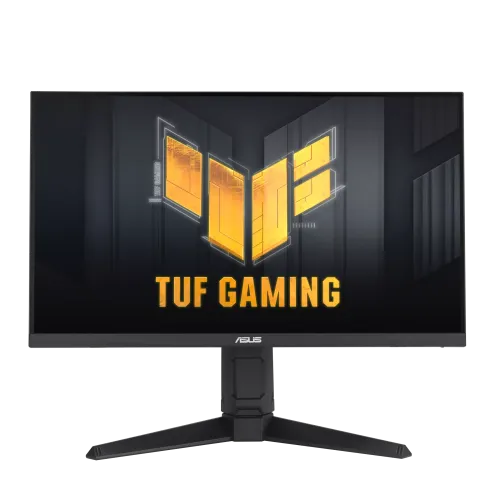 AsusAsus TUF Gaming VG259QL5A 24.5" FHD 200Hz Gaming Monitor AsusAsus TUF Gaming VG259QL5A 24.5" FHD 200Hz Gaming Monitor | 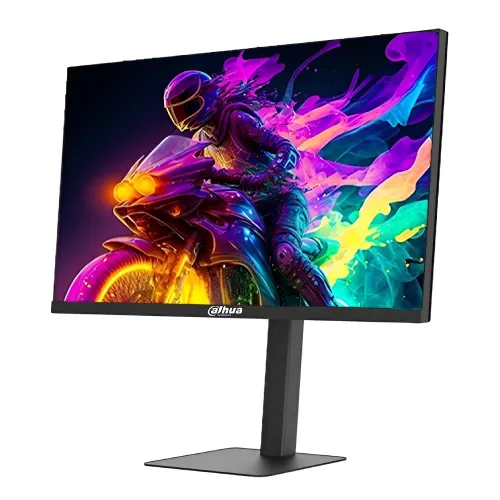 DahuaDahua DHI-LM27-E240A 27" 300Hz FHD VA Gaming Monitor DahuaDahua DHI-LM27-E240A 27" 300Hz FHD VA Gaming Monitor | 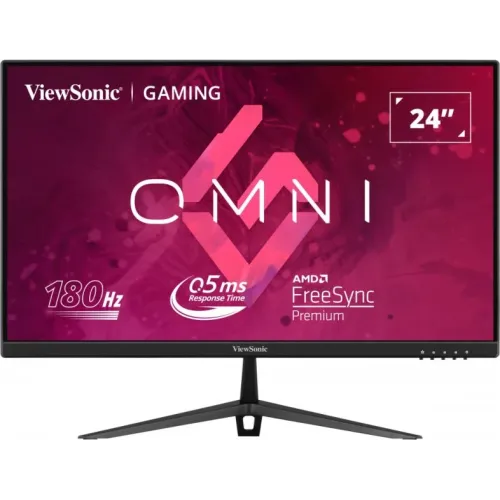 ViewsonicViewSonic VX2428 24 inch 180Hz IPS FHD Gaming Monitor ViewsonicViewSonic VX2428 24 inch 180Hz IPS FHD Gaming Monitor | |
|---|---|---|---|---|
| Price | ৳24,500 | ৳24,500 | ৳24,500 | ৳24,500 |
| Availability | Out of stock | In stock | In stock | Out of stock |
| Brand | GIGABYTE | Asus | Dahua | Viewsonic |
| Panel | LED | LED | E-LED | LED |
| Screen size | 23.8" | 24.5" | 27" | 24" |
| Refresh rate | 165 Hz | 200 Hz | 300 Hz | 180 Hz |
| Resolution | FHD (1920 x 1080) | FHD (1920x1080) | FHD (1920x1080) | 1920 x 1080 |
| Warranty | 3 Years Warranty | 03 years warranty | 3 years | 3 Years Warranty |
Covered by the manufacturer's official Bangladesh warranty where one applies. The warranty term for this product, when the source lists one, appears in the specifications above.
Report a dead-on-arrival unit within 3 days of delivery and we replace it.
Return an unopened, unused product in its original packaging within 3 days of delivery. Delivery charges are not refundable.
Dahua
LED Backlit Display · 18.5" · 60 Hz
৳8,600৳9,460Save 9%
In stock
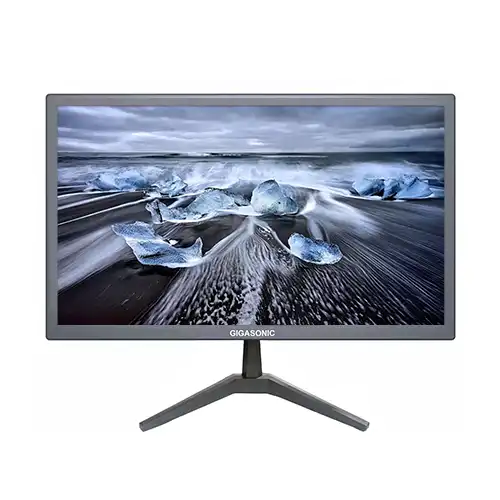
Gigasonic
LED · 20" · 60 Hz
৳5,200৳6,100Save 15%
In stock
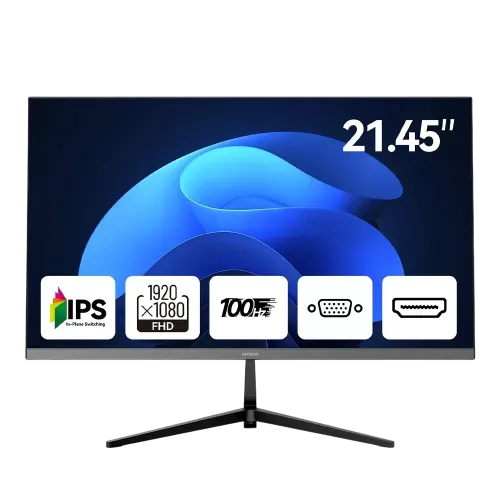
AIWA
LED · 21.45" · 100 Hz
৳9,000৳9,500Save 5%
In stock
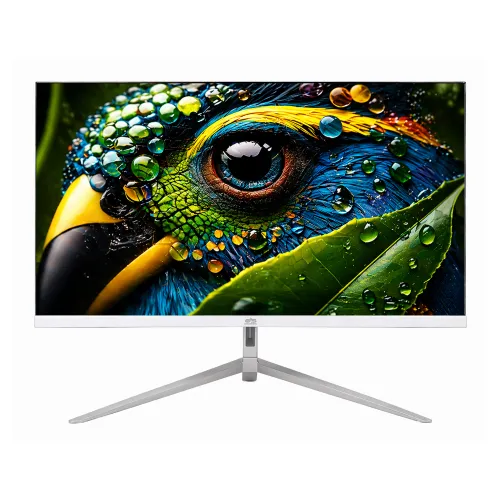
Gigasonic
LED · 21.5" · 100 Hz
৳8,200
Out of stock
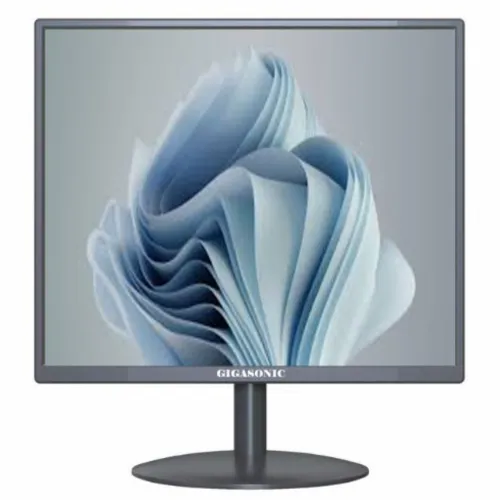
Gigasonic
LED · 17" · 60 Hz
৳4,300৳5,200Save 17%
In stock
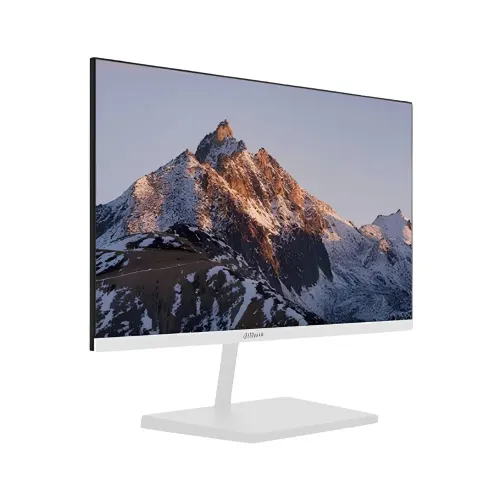
Dahua
LED Backlit Display · 21.5" · 100 Hz
৳9,200৳9,500Save 3%
In stock
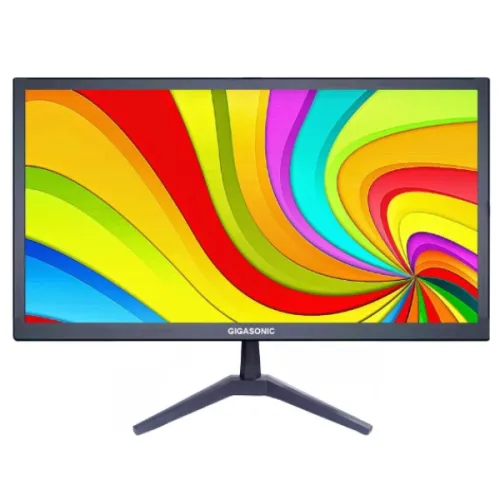
Gigasonic
LED · 18.5" · 60 Hz
৳5,000৳5,900Save 15%
In stock
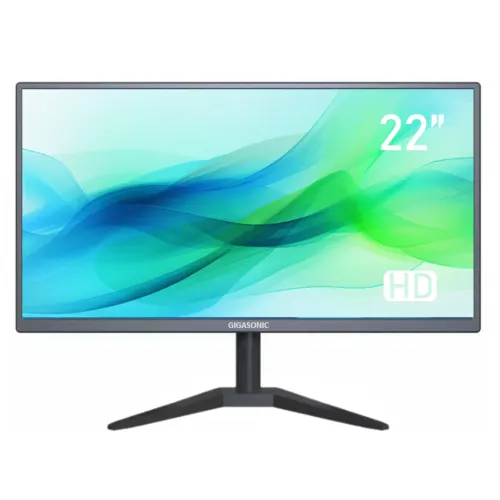
Gigasonic
LED · 21.5" · 60 Hz
৳6,400৳6,700Save 4%
In stock