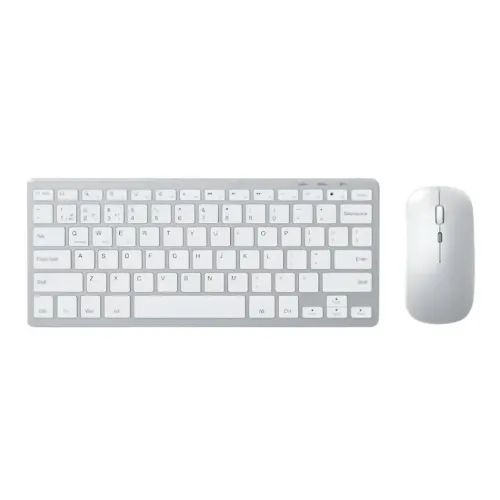
iMICE
iMICE WK-102 Dual Mode Wireless Keyboard Mouse Combo
01 Year Warranty · 2.4GHz Wireless, Bluetooth
৳1,600
Out of stock
We're finishing our supply arrangements. Prices and stock here are live — ordering reopens shortly.
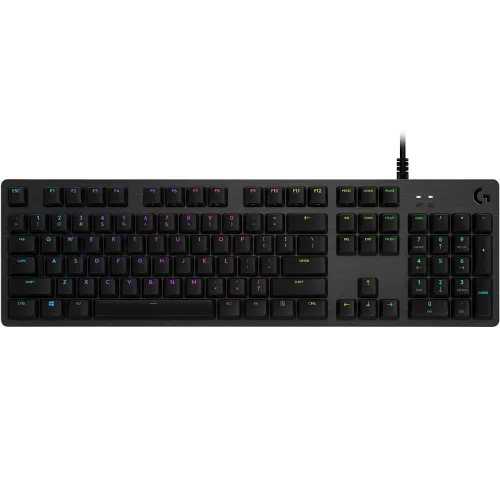
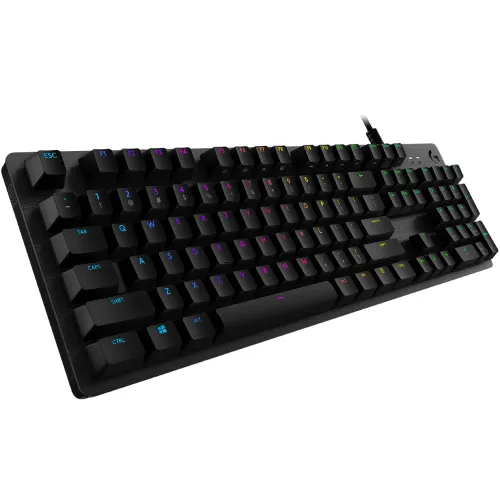
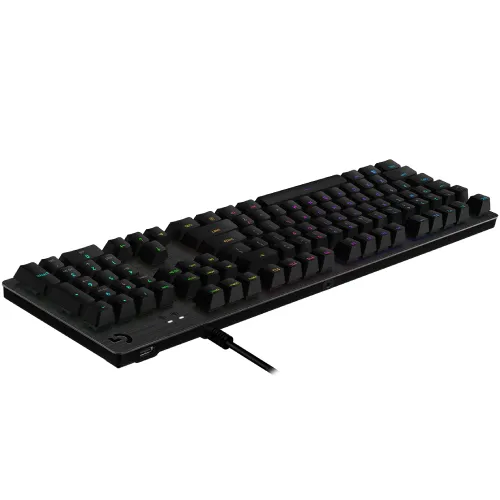
Model: G512Item #: logitech-g512-keyboard
৳10,900৳11,990Save 9%
In stockverified
Ordering is paused
We're finishing our supply arrangements. Prices and stock here are live — ordering reopens shortly.
Delivery
Sold by Micro
G512 is a high-performance gaming keyboard featuring your choice of advanced GX mechanical switches. Advanced gaming technology and aluminum-alloy construction make G512 simple, durable, and full-featured. G512 can be customizable per key with approximately 16.8 M colors. Create your animations or choose from a selection of preset effects. And with LIGHTSYNC technology, lighting is driven by games, audio, or your screen to deliver the most immersive RGB experience ever. Advanced GX mechanical switches are engineered and 100% tested for performance, responsiveness, and durability. Choose from three distinct mechanical switches- GX Blue (Clicky), GX Brown (Tactile), and GX Red (Linear). G512 is crafted from incredibly strong and durable 5052 aluminum-magnesium alloy which allows for both a minimal design and a beautiful aesthetic. The rigidity of 5052 alloys also provides a sturdy, non-slip chassis that houses a full suite of features for an unbeatable gaming experience. Convenience and speed are directly within reach. The additional, dedicated USB cable connects the USB passthrough port to its input for full power throughput and data speed. Plug in a device to charge or plug in a mouse to charge your adversaries, without missing a beat. Media and lighting controls are right at your fingertips. Use the FN key to control volume, play and pause, mute, toggle game mode, change lighting effects, etc. Use the FN toggle feature in Logitech G HUB and configure your function keys to perform these alt commands by default. Don't lose a game because you fat-fingered the Windows key. Toggle game mode with FN+F8. Deactivate additional keys using Logitech G HUB. Store per-key RGB lighting profiles in the onboard memory for use on any system.
| This itemLogitech G512 LIGHTSYNC RGB Mechanical Gaming Keyboard | 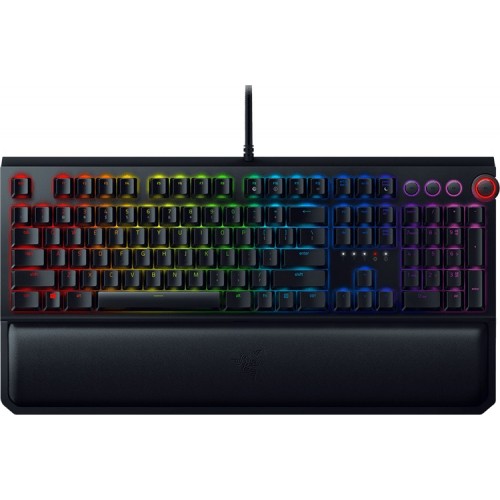 RAZERRazer BlackWidow Elite Mechanical Gaming Keyboard RAZERRazer BlackWidow Elite Mechanical Gaming Keyboard | 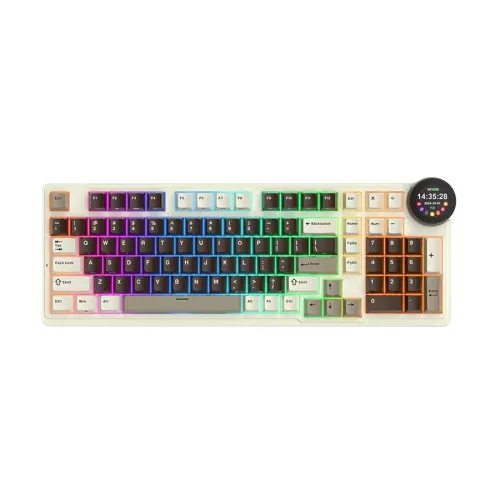 ROYAL KLUDGERoyal Kludge RK N99 Tri Mode RGB Mechanical Gaming Keyboard ROYAL KLUDGERoyal Kludge RK N99 Tri Mode RGB Mechanical Gaming Keyboard | 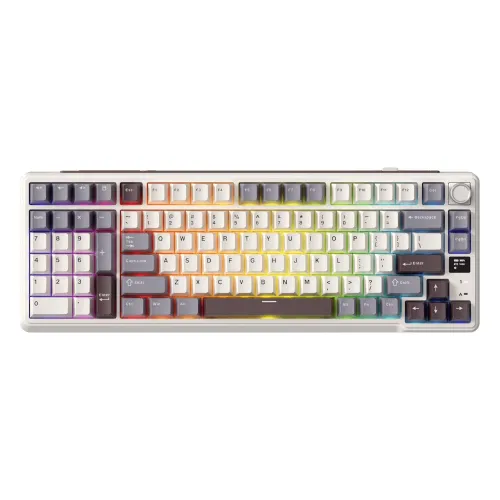 ROYAL KLUDGEROYAL KLUDGE RK L98 Tri-Mode Wireless Gaming Mechanical Keyboard ROYAL KLUDGEROYAL KLUDGE RK L98 Tri-Mode Wireless Gaming Mechanical Keyboard | |
|---|---|---|---|---|
| Price | ৳10,900 | ৳10,800 | ৳10,800 | ৳11,000 |
| Availability | In stock | Out of stock | Out of stock | In stock |
| Brand | Logitech | RAZER | ROYAL KLUDGE | ROYAL KLUDGE |
| Switch type | GX Blue Switch | — | Beige switch | Cream Switch |
| Warranty | 2 Years | 01 Year Warranty (Need to submit product box for warranty claim) | 1 Year | 1 Year |
| Connectivity | Wired with USB | USB 2.0 and audio pass through | 2.4G Wireless / Bluetooth / USB Wired | 2.4G Wireless / Bluetooth / USB Wired |
Covered by the manufacturer's official Bangladesh warranty where one applies. The warranty term for this product, when the source lists one, appears in the specifications above.
Report a dead-on-arrival unit within 3 days of delivery and we replace it.
Return an unopened, unused product in its original packaging within 3 days of delivery. Delivery charges are not refundable.
iMICE
01 Year Warranty · 2.4GHz Wireless, Bluetooth
৳1,600
Out of stock
iMICE
01-year warranty
৳2,500
Out of stock
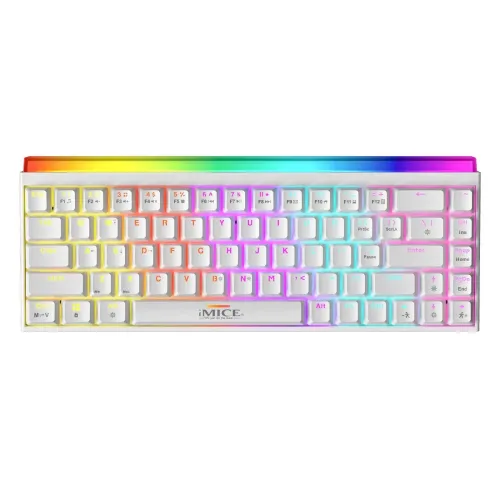
iMICE
01-year warranty
৳2,500৳2,750Save 9%
In stock
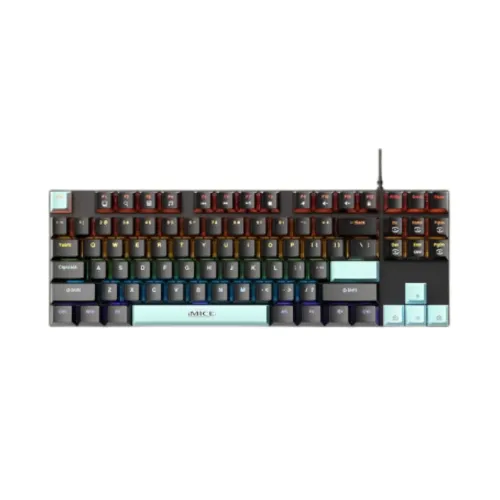
iMICE
Blue Switch · 01-year warranty
৳2,230৳2,450Save 9%
In stock
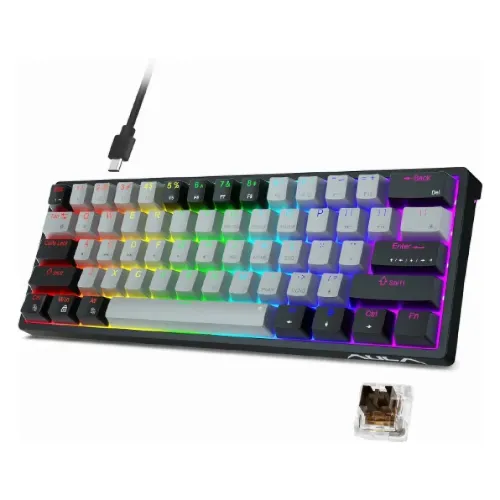
iMICE
01-year warranty
৳1,700
Out of stock
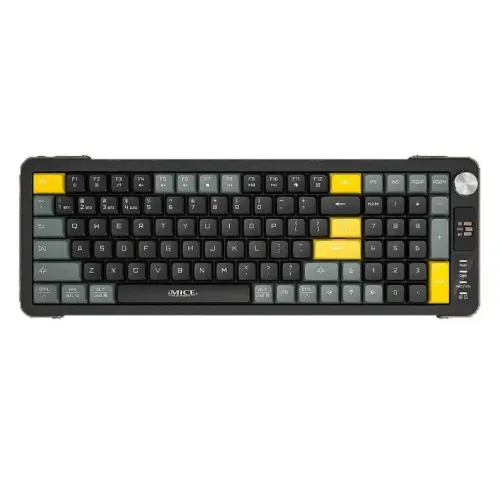
iMICE
01-year warranty · 2.4GHz Wireless, Bluetooth
৳1,850
In stock
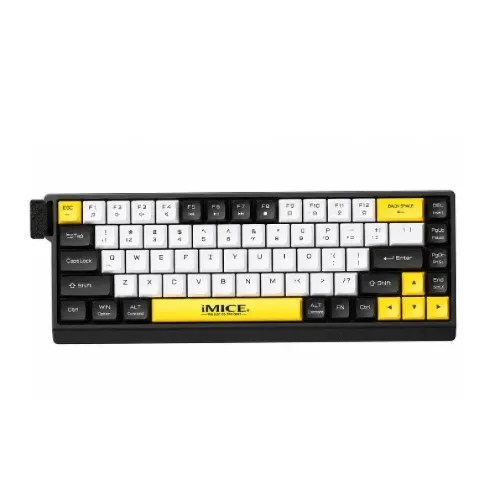
iMICE
01-year warranty · 2.4GHz Wireless, Bluetooth
৳1,850৳2,040Save 9%
In stock
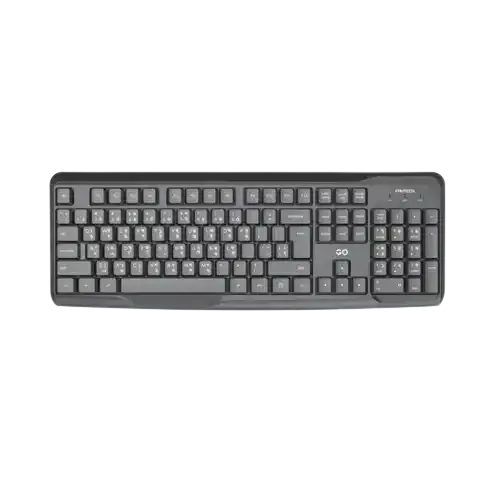
Fantech
365 DAY
৳400৳450Save 11%
In stock